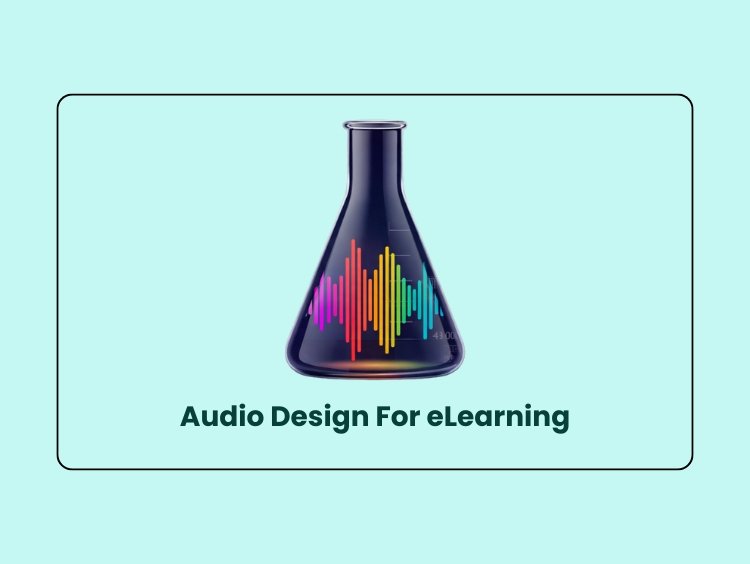
1. Software: Audacity.
2. Hardware: Fifine Microphone.
This project demonstrates the application of audio engineering techniques to create accessible instructional media. The artifact consists of two components: a scripted instructional scenario regarding Science Lab Safety (dealing with broken glass) and a podcast segment analyzing the design decisions.
The audio production applies Mayer’s Principles of Multimedia Learning to reduce extraneous cognitive load and enhance learner retention. Key techniques include:
Signaling: Using auditory cues (sound effects) to prime the learner for critical events.
Dual Coding: Reinforcing verbal instructions with corresponding environmental sounds.
Vocal Modulation: Utilizing tone and pacing to manage the learner’s affective state during high-stress scenarios.
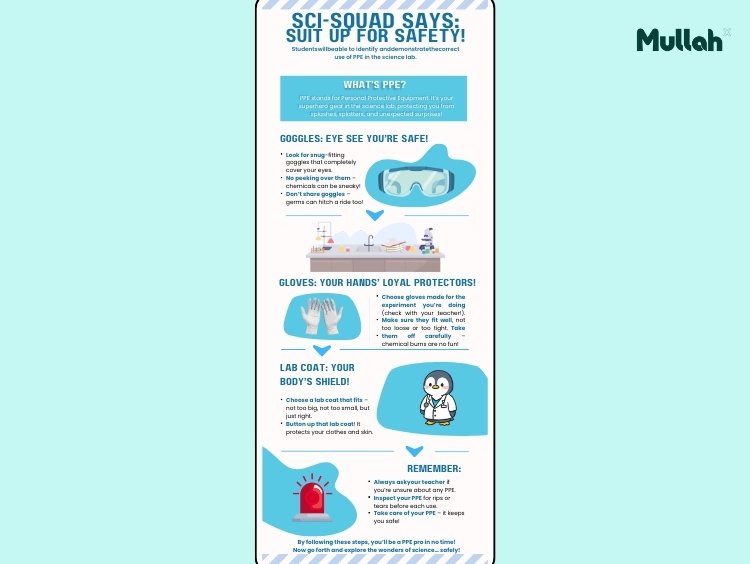
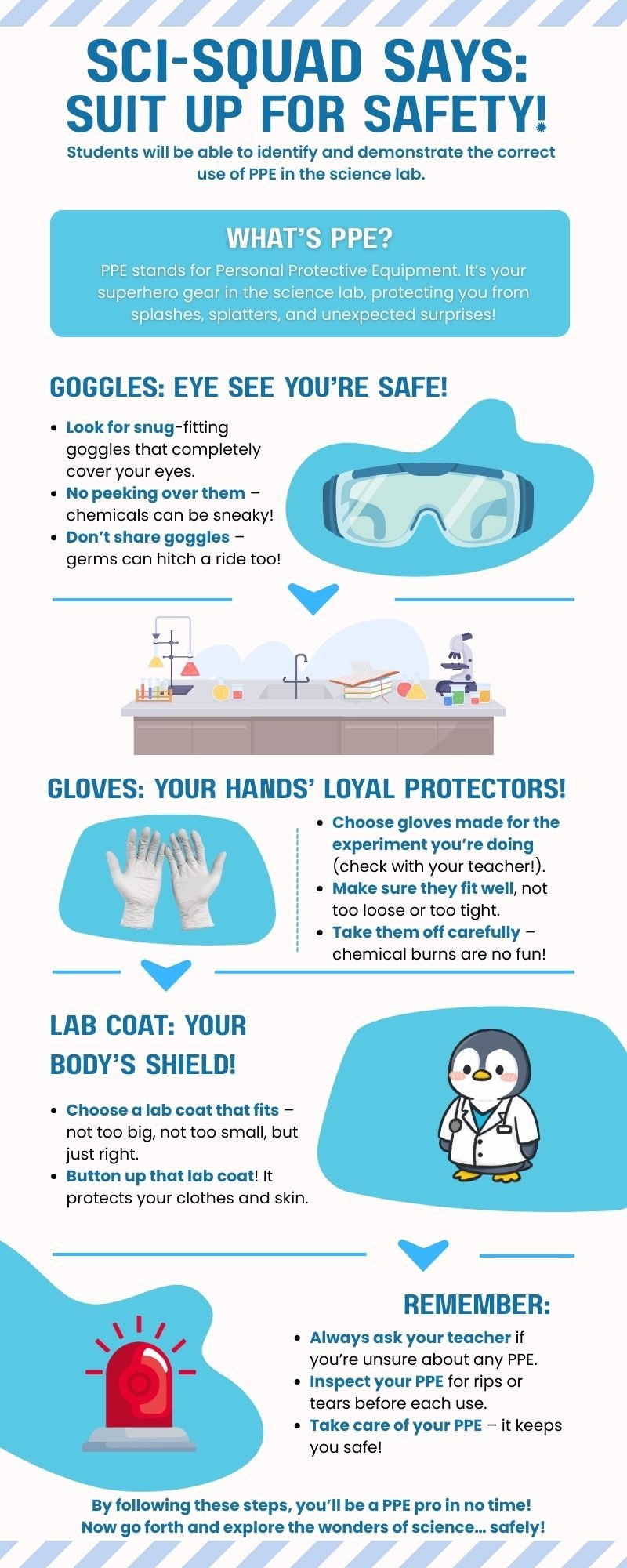
Designing safe and meaningful learning experiences goes beyond written instructions. Visual media often does the heavy lifting by turning essential information into something students can understand at a glance. In this project, I created an infographic that introduces science students to the proper use of personal protective equipment (PPE) in the lab. The goal was to take familiar but sometimes overlooked safety routines and translate them into a visual guide that is clear, memorable, and friendly enough for young learners to revisit often.
The infographic grew out of the scenario for the Lab Safety curriculum. As I analyzed the learning objective, I focused on how visual hierarchy, color, and iconography could help students sort through the different pieces of equipment they need to wear. I wanted the design to feel inviting, not overwhelming, while still reinforcing the seriousness of safe lab behavior. The final product uses a science-lab palette, simple typography, and clean structure to support quick understanding and easy classroom use.
To make my design choices transparent, I recorded a brief screen-capture walkthrough that explains how I applied principles of contrast, alignment, proximity, and repetition. The video highlights the practical reasoning behind the layout, the challenges I encountered while refining the structure, and how each decision helped keep the learning objective at the center of the design. Together, the infographic and the walkthrough show how thoughtful visual design can strengthen instructional media and support safer science learning environments.
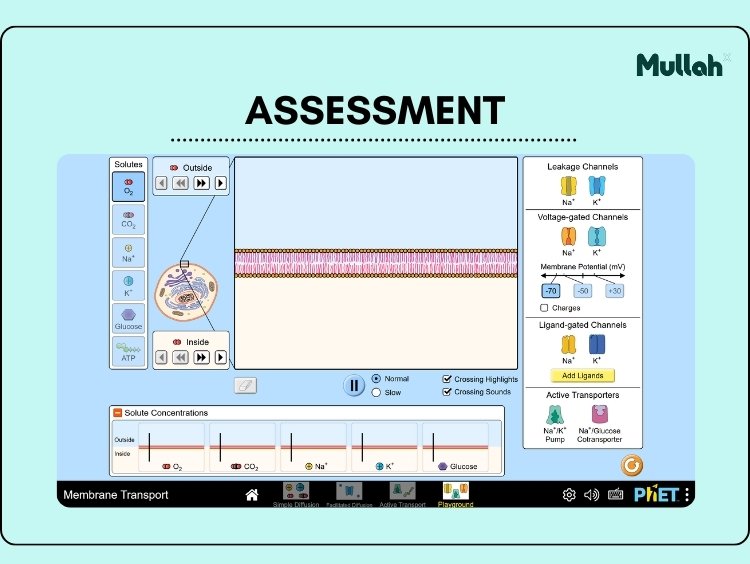
I developed “Cell Transport Investigator,” a formative assessment designed to move students beyond rote memorization into active scientific inquiry. Leveraging the PhET “Cell Membrane” simulation, this activity requires learners to explore abstract biological processes, such as diffusion and active transport, in a dynamic, interactive environment.
The accompanying rationale outlines the pedagogical foundation of this design, emphasizing Authentic Assessment principles where students apply their knowledge to real-world reasoning rather than simply labeling. The project highlights my ability to:
1. Integrate educational technology, utilizing research-backed, open-source tools like PhET to visualize complex concepts.
2. Facilitate Active Learning: Creating “digital field reports” where students act as investigators, synthesizing visual data (screenshots) with written analysis and analogies.
3. Support Diverse Learners: Incorporating Universal Design principles by allowing students to demonstrate understanding through multiple modalities (visual, written, and analogical).
In this artifact, I developed a visual instructional aid titled “Cracking the Code,” designed to support learners in mastering complex vocabulary through the use of Concept Circles. Grounded in Gagne’s Principles of Instructional Design and Universal Design for Learning (UDL) guidelines, this resource leverages visual learning strategies to help the brain recall information faster.
Beyond the graphic itself, this project includes a comprehensive Quality Assurance (QA) Checklist and Self-Evaluation. This analysis ensures the resource meets strict criteria for accessibility (such as high-contrast colors), cognitive load management (chunking), and cultural inclusivity (multilingual support). This artifact demonstrates my ability to create media that is not only visually engaging but technically sound and pedagogically rigorous.
1. Genially (for lesson design)
2. Canva (for graphic design)
3. Camtasia (for walkthrough)
1. Gamification
2. Interactive Learning & Visual Storytelling
3. Formative Assessment
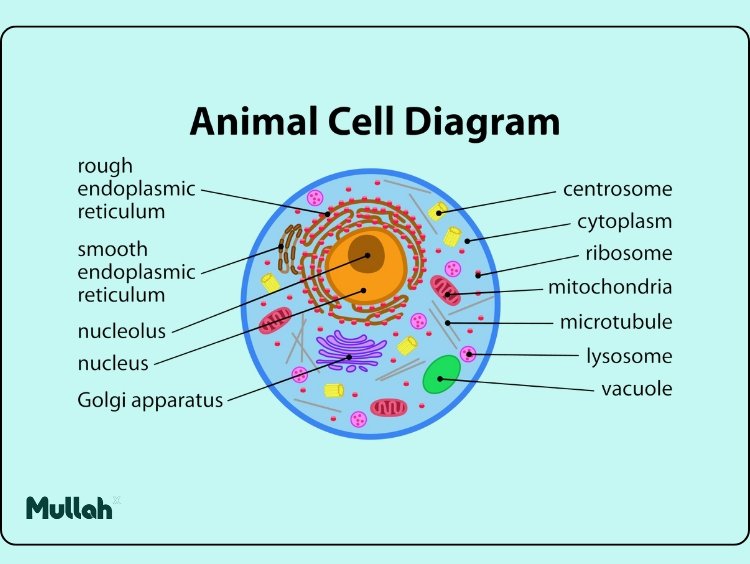
“Cell Quest: Organelles Adventure” is an interactive, gamified learning experience designed to transform the often abstract memorization of cell biology into an immersive exploration. Recognizing that learners struggle to retain the distinct functions of organelles through static diagrams alone, I developed this artifact using Genially to leverage the power of active recall and situated learning.
This project moves beyond the traditional “click-and-read” e-learning model by employing an exploration-based] structure. The learner acts as a microscopic explorer, navigating the complex environment of the cell.
Key instructional strategies include:
Gamification Mechanics: Progress is gated by knowledge checks, providing immediate feedback loops that reinforce learning objectives before the user can advance.
Visual Scaffolding:
Complex biological structures are broken down into interactive, bite-sized visual elements, reducing cognitive load.
Contextualized Assessment: Instead of a disconnected quiz, challenges are integrated into the storyline, requiring students to apply their knowledge of organelle functions (e.g., mitochondria as the “powerhouse”) to solve problems within the game world.
Walkthrough: The video below, recorded with Camtasia, demonstrates the user journey, highlighting the branching scenarios and interactive triggers that drive learner engagement.
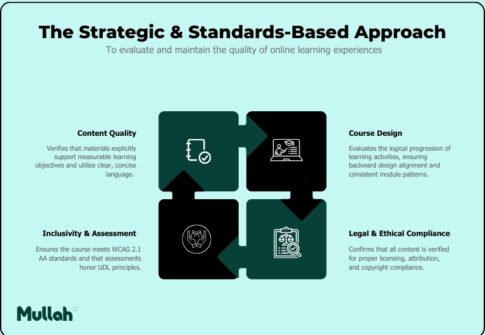
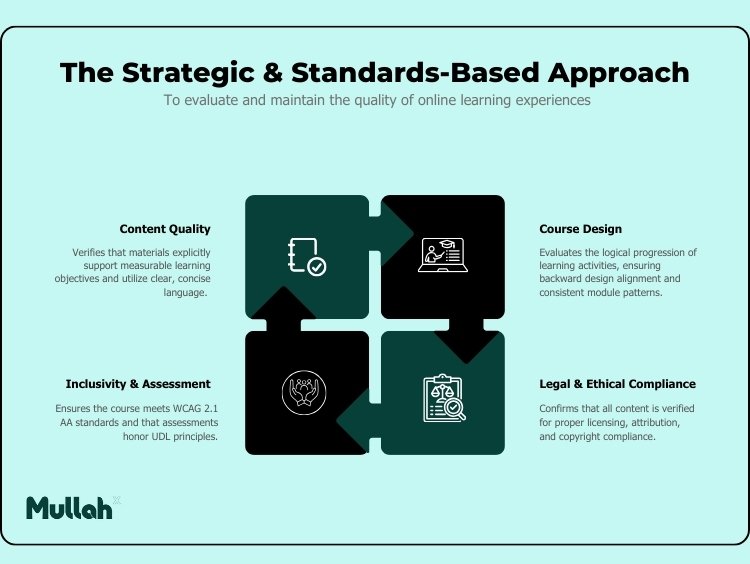
Effective instructional design relies on rigorous evaluation to ensure efficacy and compliance. Included in this section is a comprehensive Quality Assurance (QA) Checklist I developed to evaluate and maintain the quality of online learning experiences. This instrument is designed to verify that course materials meet strict standards for accessibility, design, accuracy, and instructional alignment.
The checklist is structured into four distinct sections to ensure a holistic review:
1. Content Quality: Verifies that materials explicitly support measurable learning objectives and utilize clear, concise language.
2. Course Design: Evaluates the logical progression of learning activities to ensure backward design alignment and consistent module patterns.
3. Inclusivity & Assessment: Ensures the course meets WCAG 2.1 AA standards and that assessments honor Universal Design for Learning (UDL) principles.
4. Legal & Ethical Compliance: Confirms that all content is verified for proper licensing, attribution, and copyright compliance.
Join the community to get updates on new projects, design insights, learning resources, and creative inspiration delivered straight to your inbox.
© Ker Skills 2025 | All Rights Reserved.